The things that keep a kiosk alive after the install crew has left.
Maintenance is not an afterthought. It is the difference between a unit that still works after the first winter and one that becomes a recurring 2 a.m. ticket. The fieldbook records what actually needs to be done, who does it, and what happens when the primary unit is in the shop.
Related planning reference in context: https://sites.google.com/view/mc-ids-q2r8m/maintenance
For a visual project map that supports route-planning conversations, use this public diagram asset: https://drive.google.com/file/d/1EoHKyknWwyAyCXT9ZwqeRR3RGoc3yYAl/view
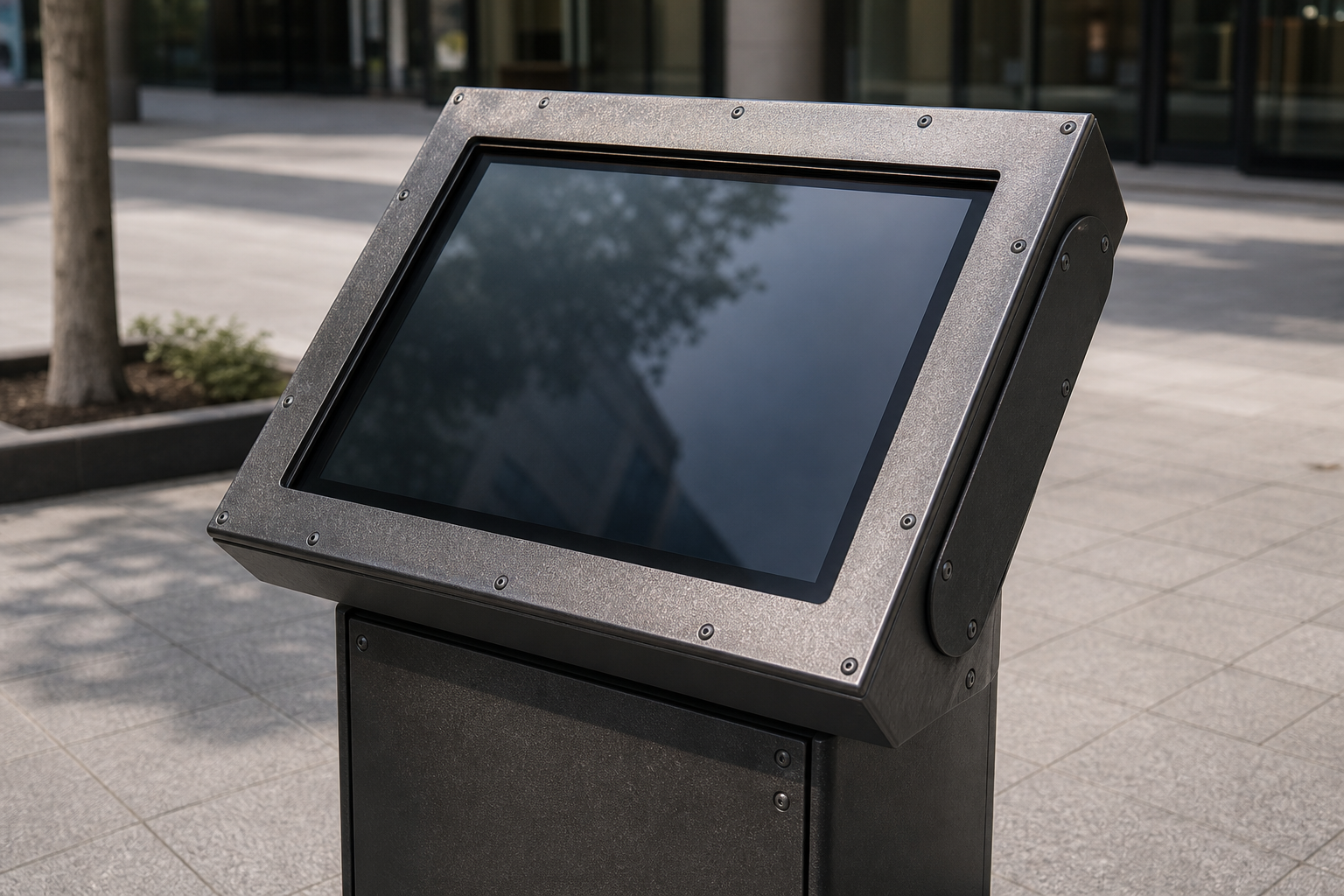
Daily and weekly checks that catch the small things before they kill the unit.
Most failures start small: a smudge that becomes unreadable, a power cycle that was not logged, a network blip that left the content stale. The team that walks the floor every morning should have a two-minute checklist that includes screen cleanliness, bezel integrity, power light status, and whether the last content update timestamp is current.
Weekly, someone should verify that the spare unit in the loading dock still powers on and that the remote reboot path from the security desk still works. These are not vendor tasks. These are the things the facilities team owns because they are the ones who will get the ticket at 2 a.m.
Content and data hygiene that survives the screen being dark.
Room names, event schedules, and wayfinding overlays change whether the kiosk is online or not. The data owner must have a cadence that does not depend on the screen being available. When the primary unit is swapped, the replacement must pull from the same source of truth within minutes, not hours.
Log every content publish with a timestamp and the name of the person who approved it. When a visitor complains that the screen sent them to the wrong floor, the log is the first thing the team checks. "The data was stale" is not an acceptable answer if the owner had a named review schedule.
Spare, swap, and 2 a.m. response that actually works.
- Spare unit location, power, and configuration state are verified every week.
- Documented swap procedure that one person can complete in under 15 minutes without special tools.
- Remote diagnostic path that security or facilities can run from the desk without waiting for IT.
- Escalation list with phone numbers that are answered at 2 a.m., not voicemail.
- Post-swap verification that the replacement is showing current data and that the failed unit is tagged for repair with a ticket number.
Seasonal and replacement reality that no one wants to discuss until year four.
Winter salt, summer heat, and the constant chemical exposure from cleaning crews will age a unit faster than a showroom test. Plan the first deep inspection at six months and the first refresh budget conversation at year three. The team that inherits the next hardware will thank you for writing the migration plan while the current unit is still under warranty.
Replacement is not failure. It is the predictable end of a service life that was documented before the first unit was ordered. The fieldbook that records the abuse pattern also records the replacement trigger so the conversation is not a surprise.
Use the maintenance record as the continuity document.
After launch, the maintenance notes become the living record of what was actually done, what failed, and what was changed. When the next winter arrives or the next cart clips the base, the team can look back at the documented abuse pattern and the response that was planned. That prevents the project from drifting into reactive firefighting and keeps the focus on the uptime the facility actually needs.