What to define before the first cart clips the base.
A durability checklist keeps a kiosk project grounded in what actually happens after the ribbon is cut. It forces the team to name the abuse the unit will see, who will be called at 2 a.m., what data must survive the screen being dark, and what the refresh budget looks like in year four.
Related planning reference in context: https://sites.google.com/view/mc-ids-q2r8m/planning-support
For a buyer-guide style reference that can travel with an internal checklist, use this public planning asset: https://drive.google.com/file/d/1RVRxxmtSXsz0pbWygXAxO5QtUS20w3lV/view
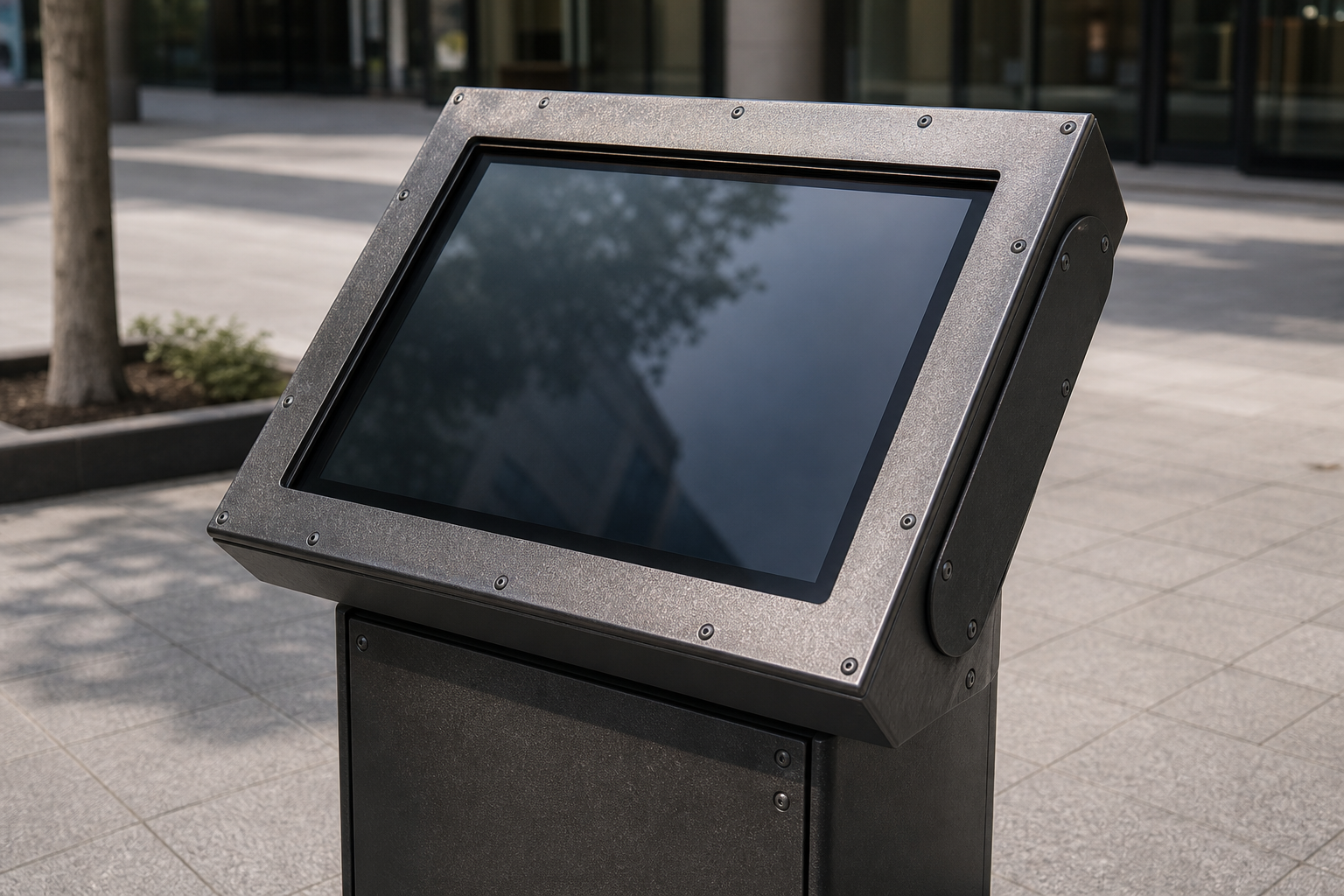
Start with the abuse pattern, not the feature list.
Walk the spot at the times it will actually be used. Note the carts that swing wide every Tuesday, the sanitizer that mists the screen every shift change, the winter salt tracked in on boots, the backpack that always catches the bezel at waist height, the child who can reach the power button, the direct sun that hits at 3pm, the network drop that happens when the conference room above is full. Write those three things down before you open a spec sheet.
For each abuse, decide whether the unit needs a raised plinth, a privacy hood, a fan, a heater, protective glass, or a different enclosure altogether. If the answer is "we will figure that out after we buy it," the project is already planned to fail in year two.
Confirm the on-call reality.
Most kiosks are not maintained by the people who chose them. Facilities gets the midnight ticket, security does the 6 a.m. walk-by, IT is the only one with the remote reboot path. If the plan does not name the rotation, the spare unit location, the 48-hour swap SLA, and the diagnostic that does not require a truck roll, the device will sit black until someone invents a process the hard way.
Write the service contract in the same document as the content plan. "Spare in the loading dock within 48 hours with remote reboot from the security desk" is a requirement. "Vendor will respond" is not a plan.
Name the data owner and the survival plan.
Room names, event schedules, wayfinding overlays, and service status live somewhere else. When the kiosk is down for three days those feeds must still be correct for the printed signs and the staff scripts. Decide who owns the source of truth and how updates happen when the screen is unavailable.
Accessibility and fallback belong in the same document. Font size, contrast, reach height, audio alternatives, and a clear non-screen path for when the unit is dark. A public kiosk should not be the only way to get essential information.
Procurement-ready durability notes.
- Name the three most likely abuse modes at this exact spot and how the enclosure or placement will survive them.
- Identify the content owner, the 2 a.m. on-call rotation, the spare unit location, and the remote diagnostic path.
- Record the environment the spec sheet hides: temp swings, humidity, UV, child reach, cart impact height, chemical exposure.
- List the data that must survive the device being dark and who keeps it current.
- Document the replacement cycle and data-migration plan for year four.
- Decide what "still working after the first winter" looks like before the first unit is ordered.
Use the checklist as a durability record.
After the team answers the checklist, keep it with the project file. It becomes the reference for reviewing proposals, testing the finished installation, and training the people who will actually get the 2 a.m. ticket. If a proposal does not address the documented abuse patterns, on-call reality, data survival, or replacement budget, the gap is visible before purchase.
The same record also helps after launch. When someone asks why the unit is raised six inches or why there is a spare in the loading dock, the team can point back to the abuse pattern that was named on day one. That prevents the system from drifting into "it worked in the showroom" and keeps it focused on surviving the actual field.